UI & Social Media
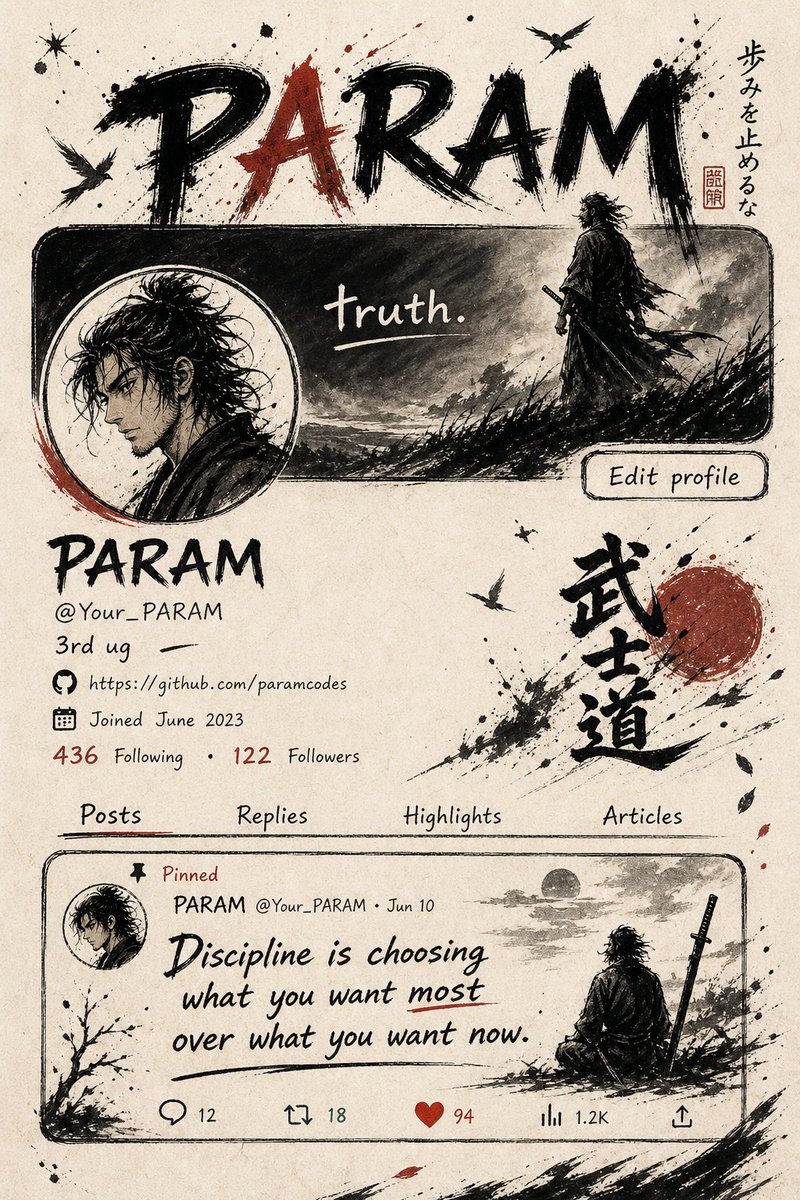
Application Interface Mockup
Orijinal1.349 karakter
Generate a vertical mobile screenshot-style image with an overall aspect ratio close to 9:16. Slightly above the center of the frame is a real-life coser playing the anime character from the uploaded image. The character should be in a realistic style but with slightly anime-like facial features, delicate skin, and slightly larger eyes, looking gently at the camera. They should be seated in an indoor leisure setting, such as a café or in front of a bar counter, with background props appropriate to the scene. Add a mobile system status bar UI at the very top of the image, including time, battery, signal, and network icons, making the entire image look like a phone screenshot. At the bottom of the image, overlay a wide semi-transparent galgame-style dialogue box. On the left side of the dialogue box, place an anime or chibi avatar corresponding to the character in the image. On the right side, format text with the character's name in a larger font on the first line, followed by one to two lines of gentle and healing-style simplified Chinese dialogue suitable for this character's personality, which you should create automatically. Below the dialogue box, add an operation bar imitating galgame UI. The overall style should be high-definition, rich in detail, with soft lighting, and naturally blending anime and real-life photography.